A bare-metal homelab control layer.
One Python file. 350KB. 20MB RAM. No Docker, no dependencies.
Most dashboards show you things. DeQ lets you do things.
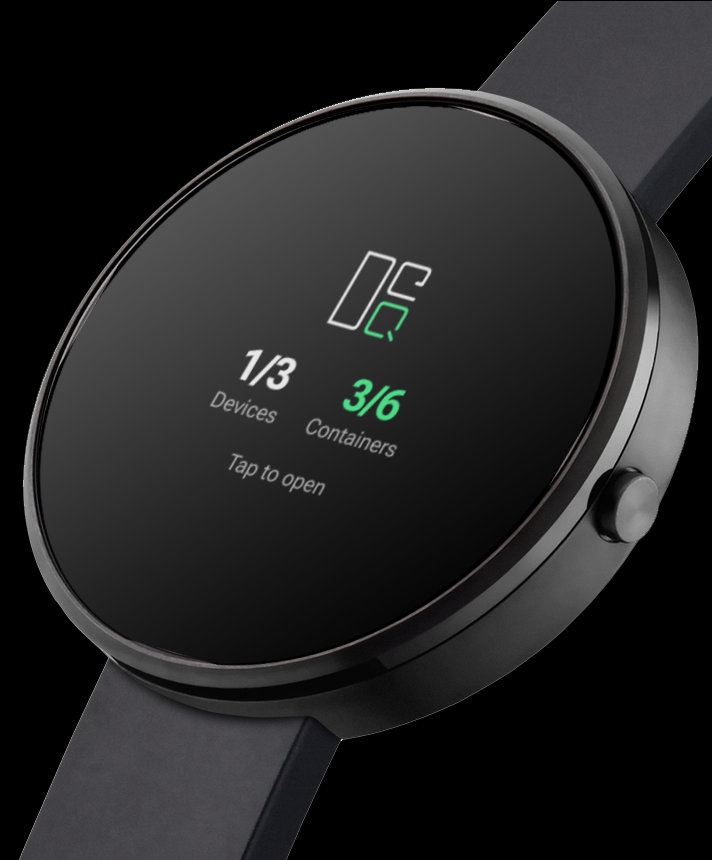
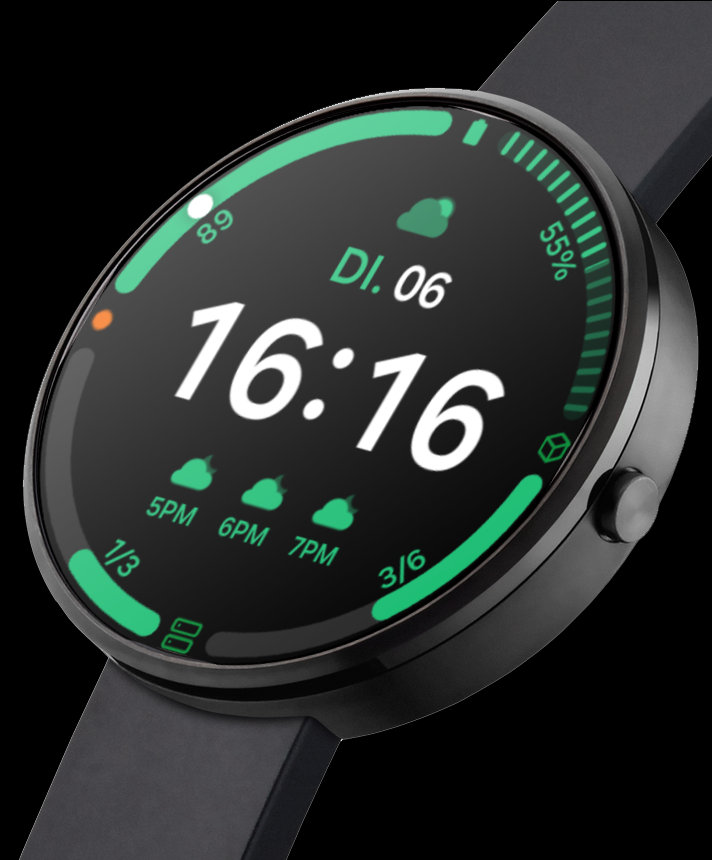
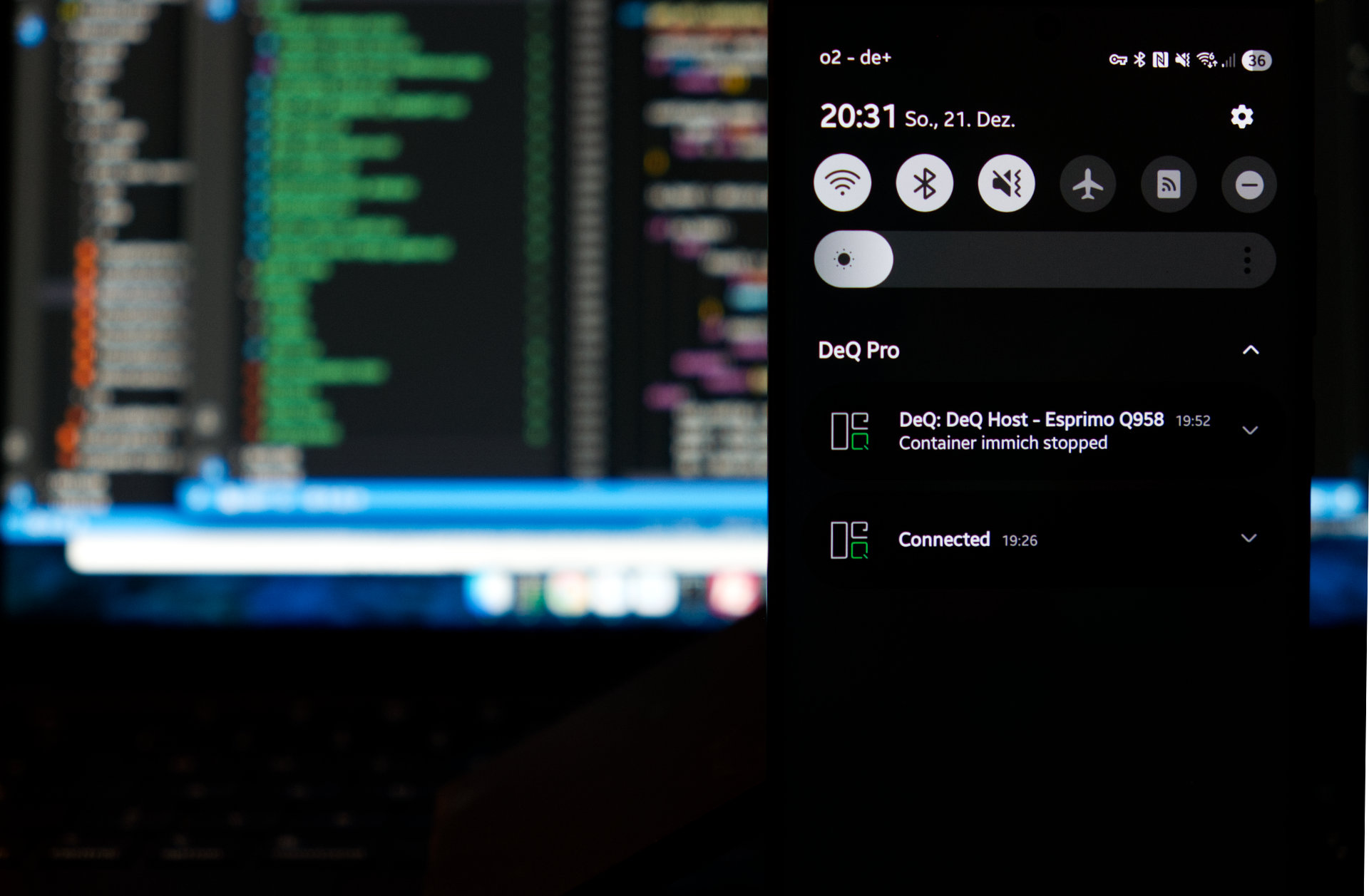
Native Android app. Push notifications when your NAS goes offline. Widgets. Android Auto. Wear OS. The server delivers raw stats, the smartphone does the rest.
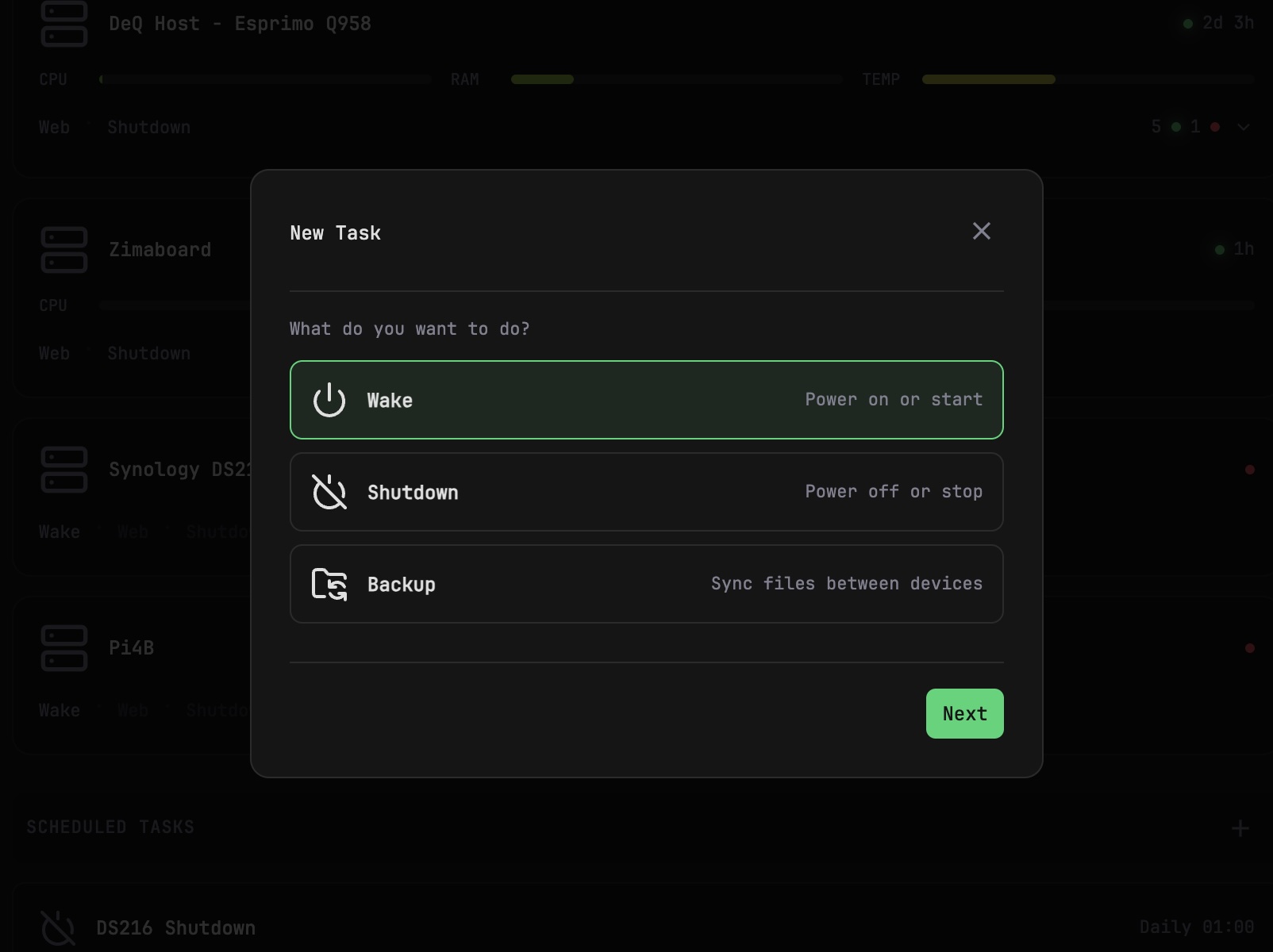
Control layer, not dashboard. Wake servers, shut them down, transfer files, manage containers on remote hosts, schedule backups. SSH-based, bare-metal by design.
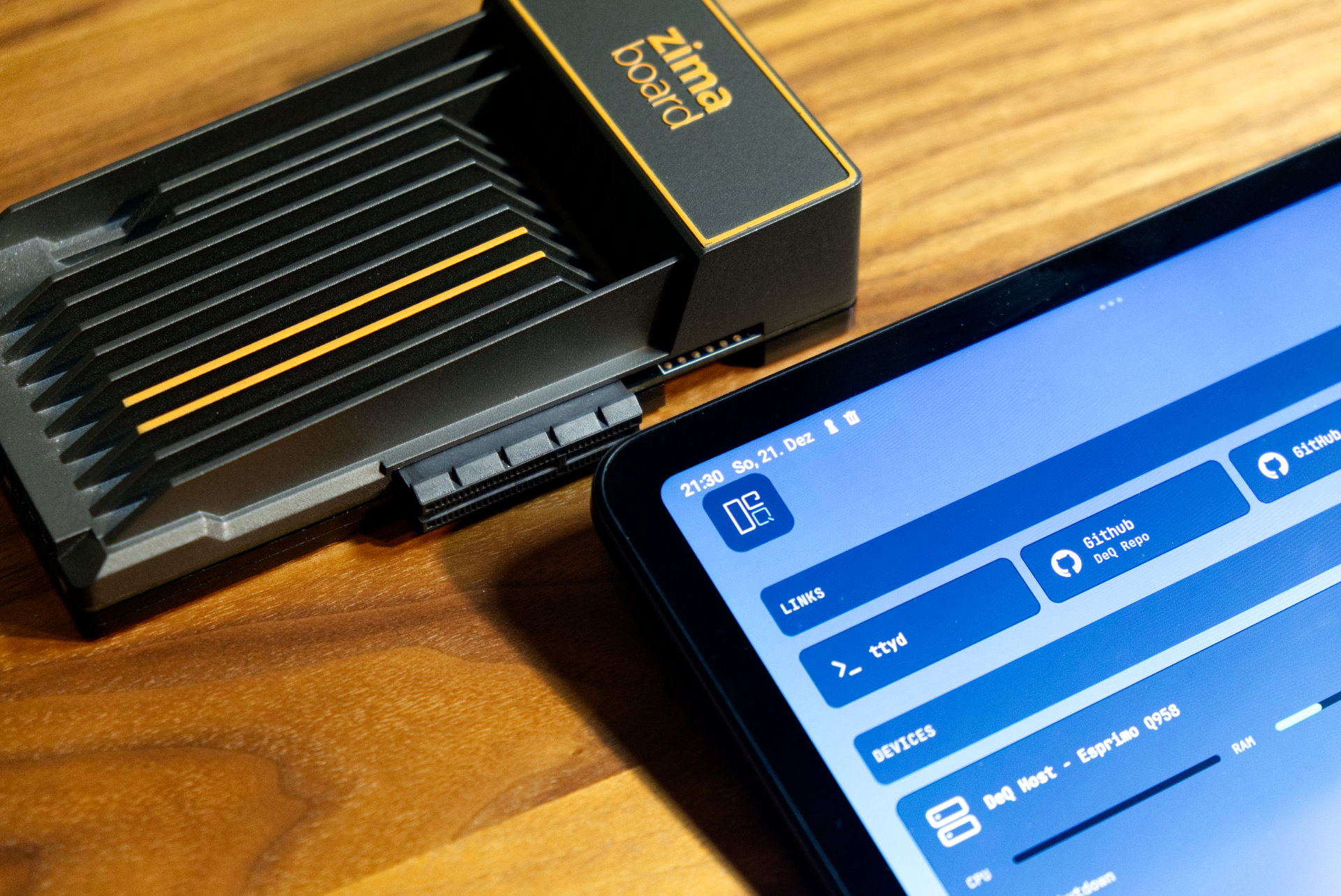
Built for low-power hardware. A Pi, a ZimaBoard, a mini PC drawing 2-5W. DeQ runs 24/7 on hardware that costs $8/year in electricity. From there, it controls the big servers you don't want running around the clock.
Quick Facts
| Server footprint | Single Python file, 350KB, ~20MB RAM, 0% CPU idle |
|---|---|
| Dependencies | None. Just Linux, Python, SSH, rsync - things you already have |
| Installation | Three commands. Under 60 seconds. |
| Architecture | Bare-metal systemd service. No Docker, no Node.js, no database |
| Android app | Native app with push notifications, background monitoring (free on GitHub) |
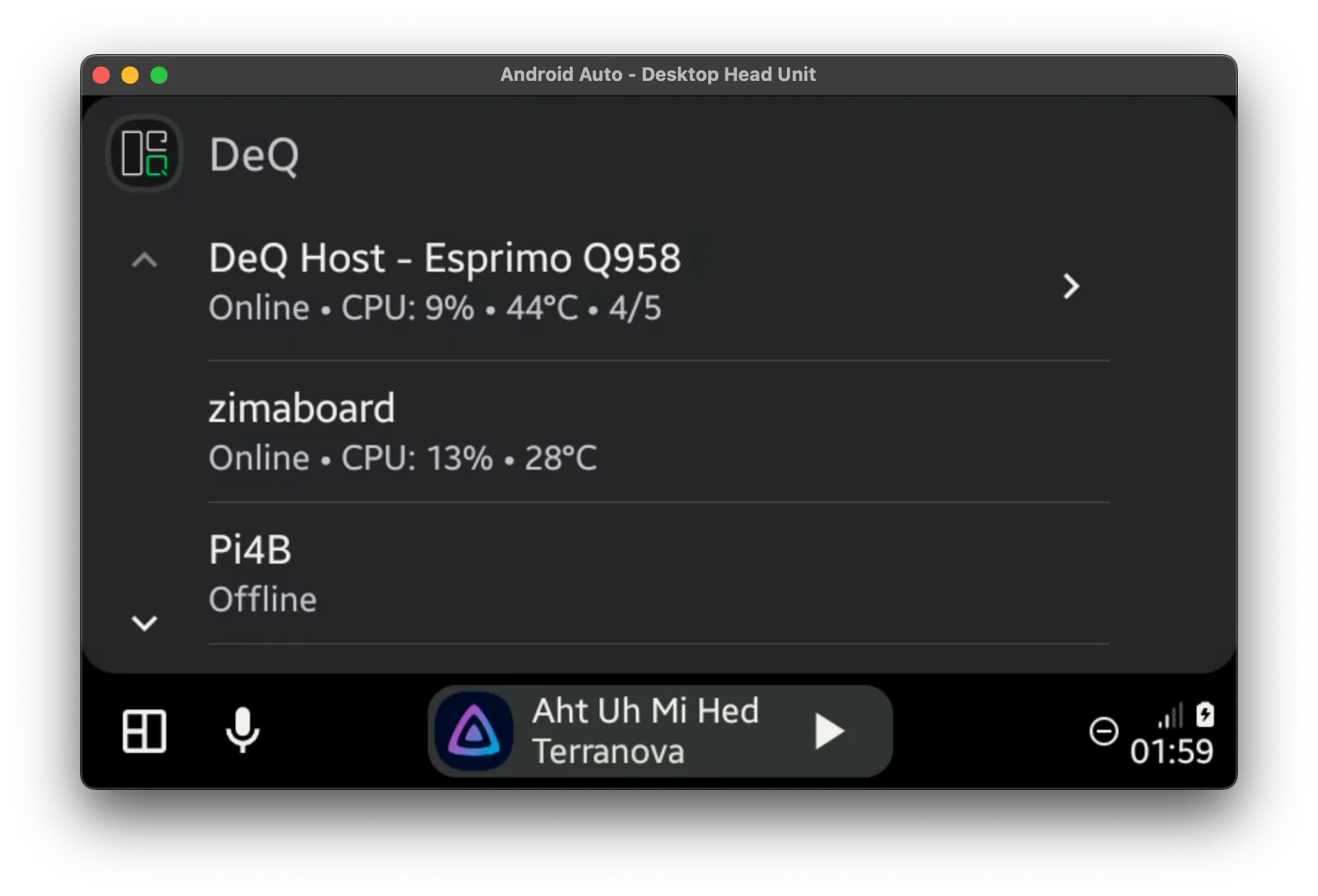
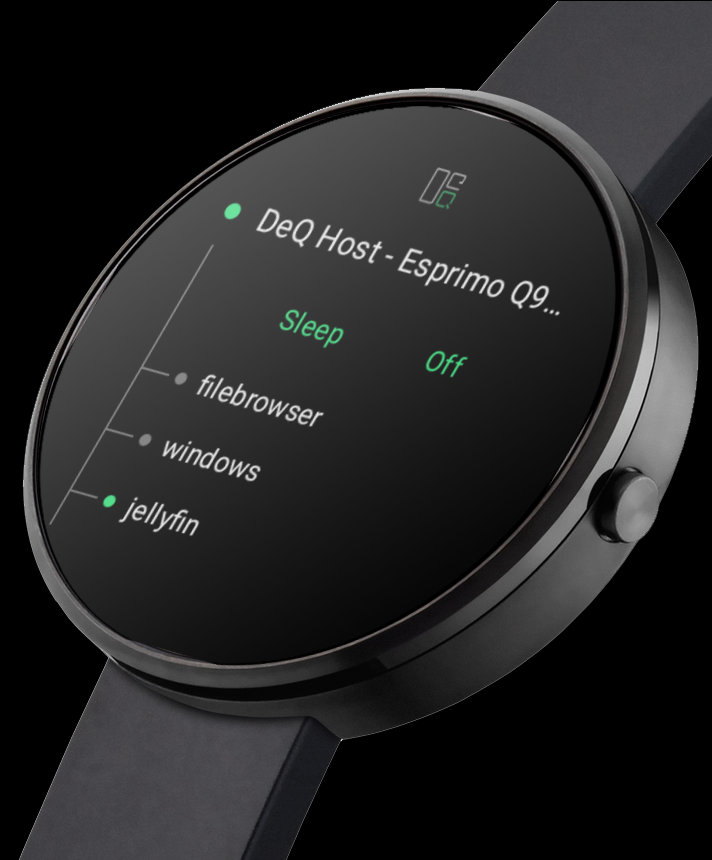
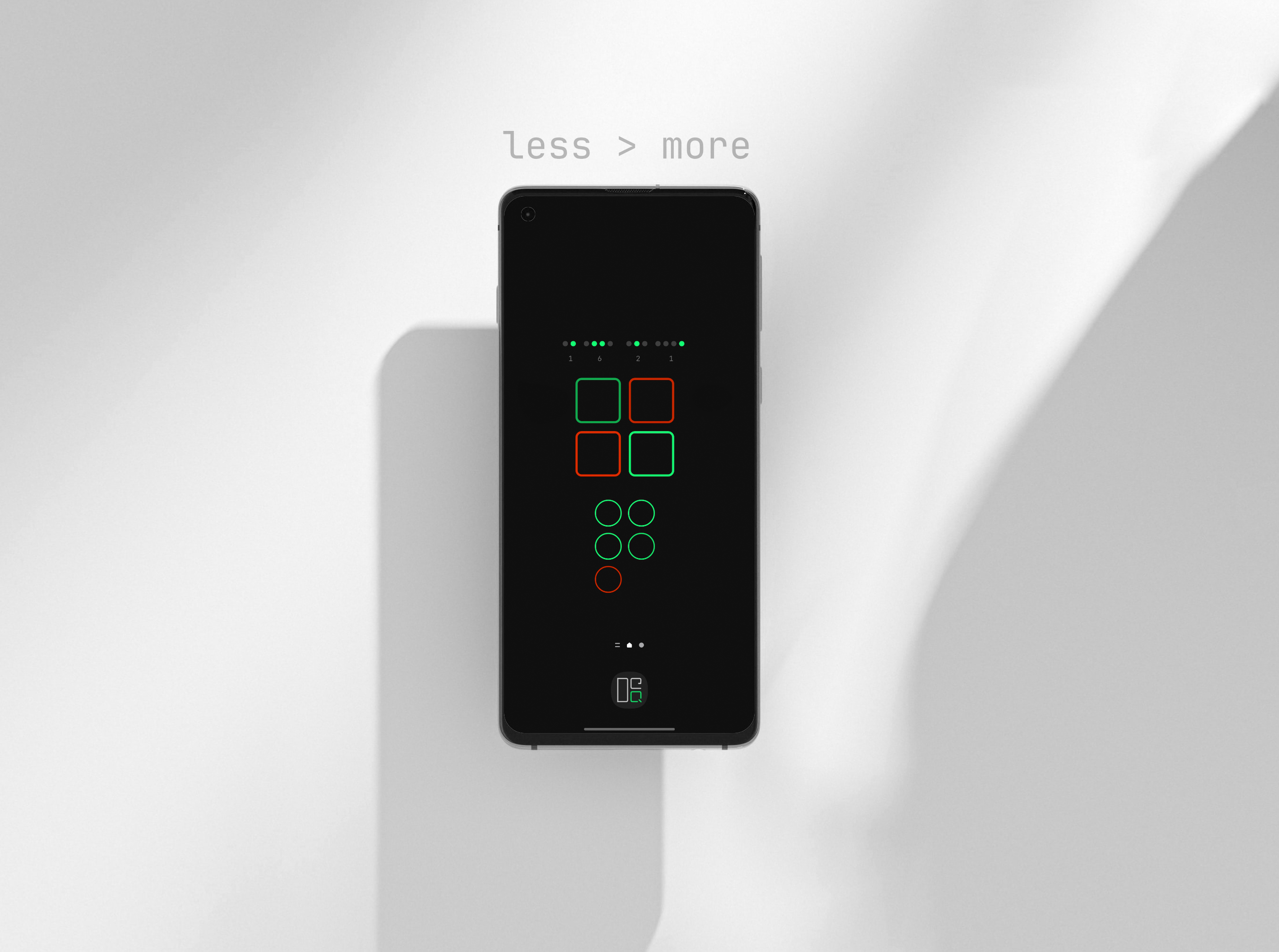
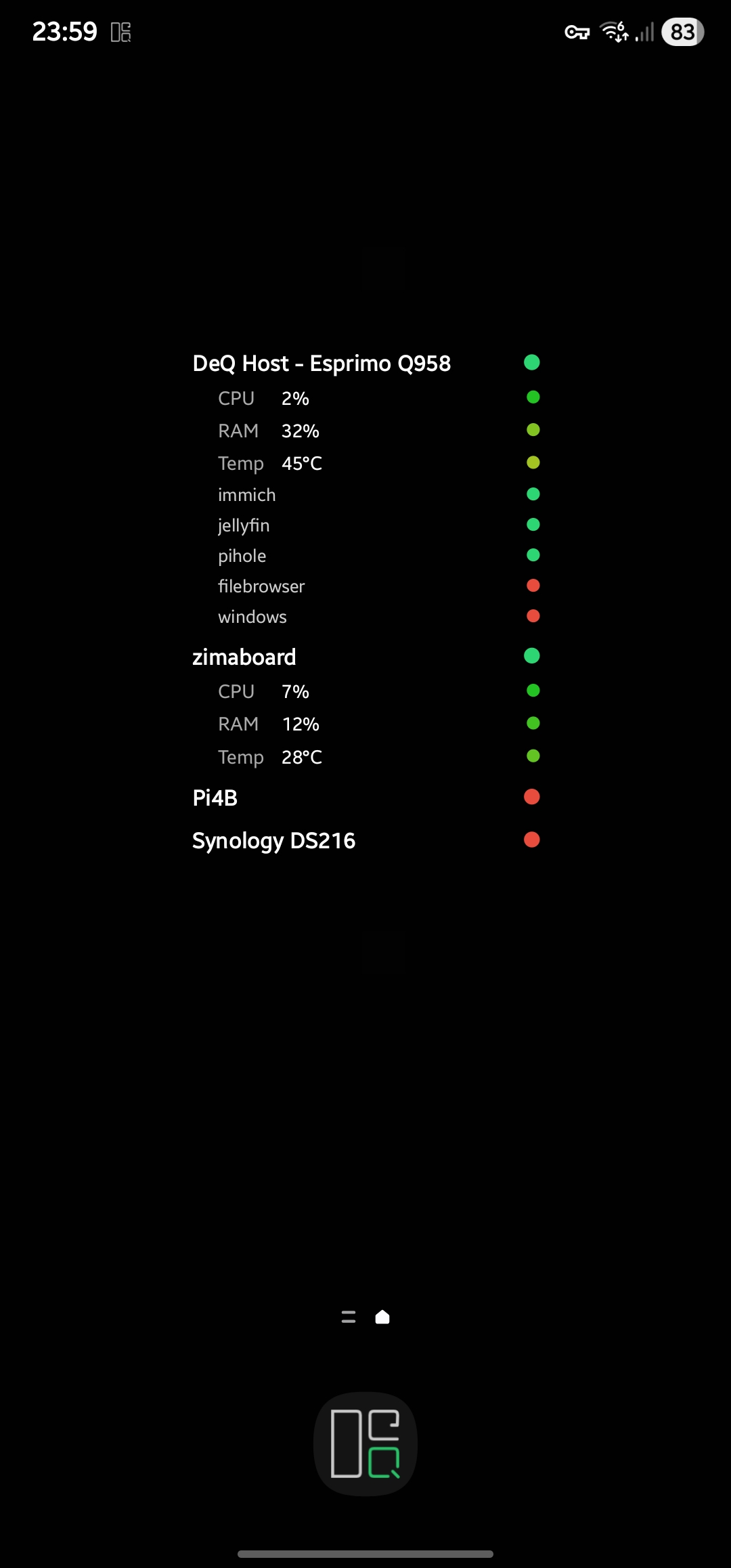
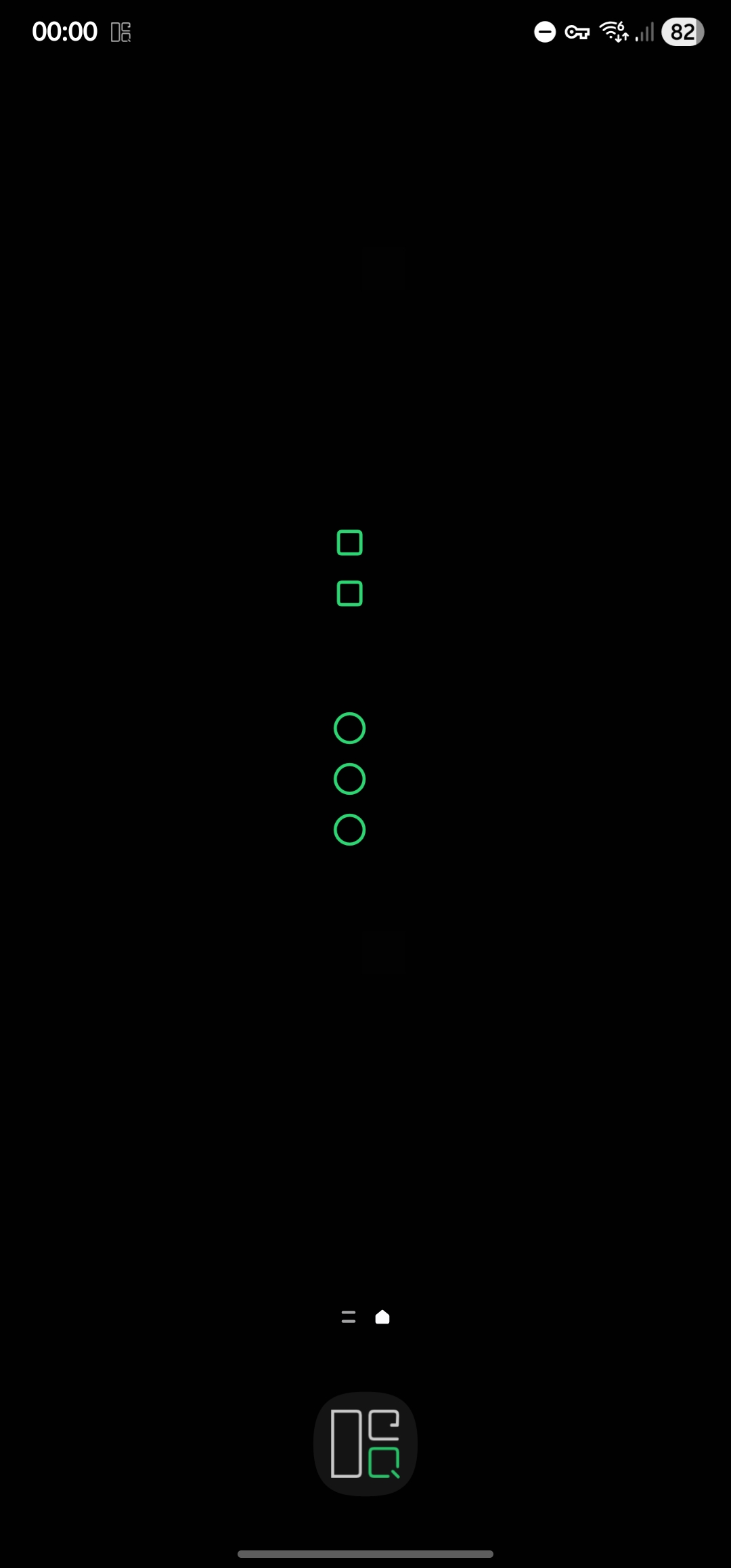
| Android Pro | Widgets, Live Wallpaper, Ambient Mode, Android Auto, Wear OS - OLED-optimized with burn-in protection, control devices from lock screen or wrist |
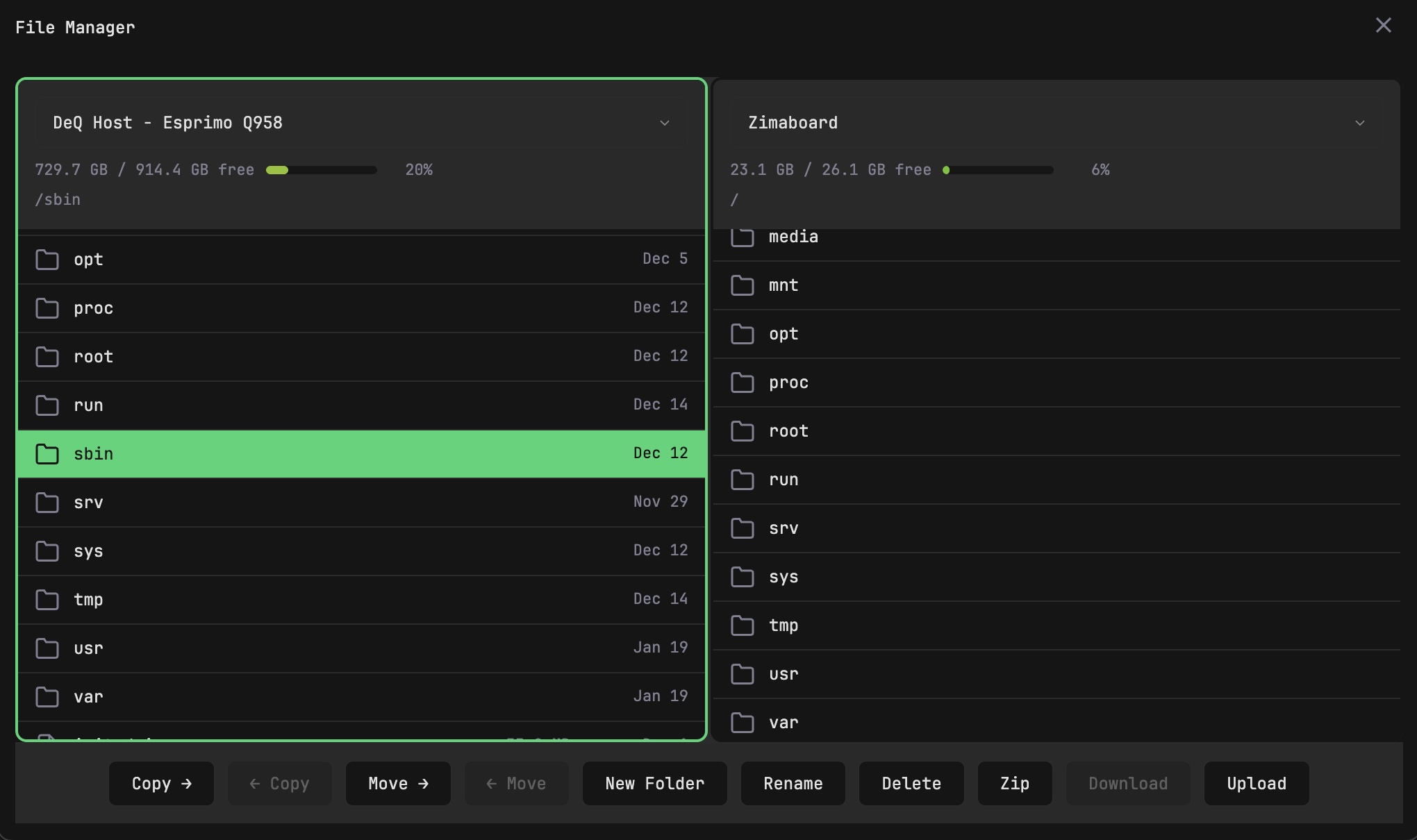
| File Manager | Dual-pane, copy/move between devices, upload/download to phone |
| Automation | Wake-on-LAN, scheduled shutdowns, rsync backups |
| Container control | Start/stop Docker containers on remote hosts via SSH |
| Remote access | Designed for Tailscale/WireGuard. No built-in auth, no cloud. |
| HTTP API | REST endpoints for Home Assistant, Tasker, custom scripts - full control from any tool |
| Extension API | Python extensions can add custom sections, use DeQ's SSH infrastructure, build custom GUIs |
What DeQ Is
- A control layer for homelabs - actual system control, not just bookmarks
- An SSH wrapper with a web UI - if you can SSH into it, DeQ can control it
- Extensible - HTTP API for automation tools, Python Extension API for custom functionality
- A complementary tool - works alongside Homepage, Homarr, Portainer
- Energy-conscious - designed to run 24/7 on 2-5W devices ($3-8/year electricity)
- Auditable - 350KB of readable Python, no black-box containers
What DeQ Is Not
- Not a Docker container (can't provide raw system access from a sandbox)
- Not a monitoring replacement (that's what Prometheus/Grafana are for)
- Not a pretty link collection (those exist, DeQ does more)
- Not exposed to the public internet (VPN required - Tailscale or WireGuard)
Philosophy
Less, but better. 500KB size limit as enforced discipline. Features compete for bytes.
The efficiency loop. DeQ runs 24/7 on a 5W device ($8/year). From there, it wakes power-hungry servers when needed and shuts them down when you're done. A 100W server running 24/7 costs $158/year.
Technical Specifications
Server
| Language | Python 3 (standard library only) |
|---|---|
| Size | ~350KB single file |
| RAM | ~20MB |
| CPU | 0.0% idle when tab closed |
| OS | Linux with systemd |
| Config | Single JSON file |
Android App
| Size | ~3MB |
|---|---|
| Min SDK | Android 8+ |
| Battery | <1% per 24h at 60s polling |
| Free | Push notifications, background monitoring |
| Pro | Widgets, Live Wallpaper, Ambient Mode, Android Auto, Wear OS |
| Ambient | Wall-mount mode with device/container status, OLED burn-in protection, device control |
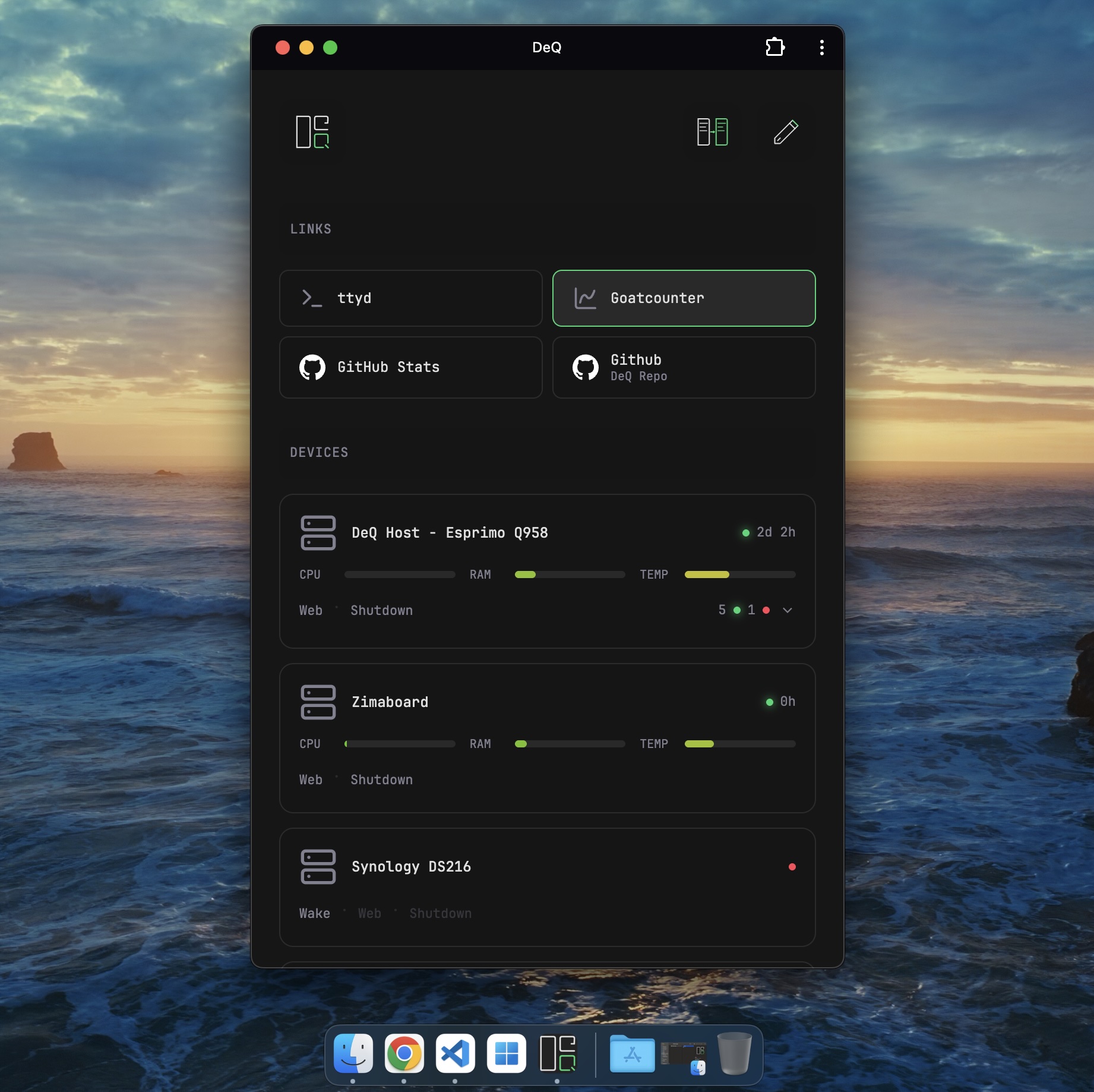
Screenshots
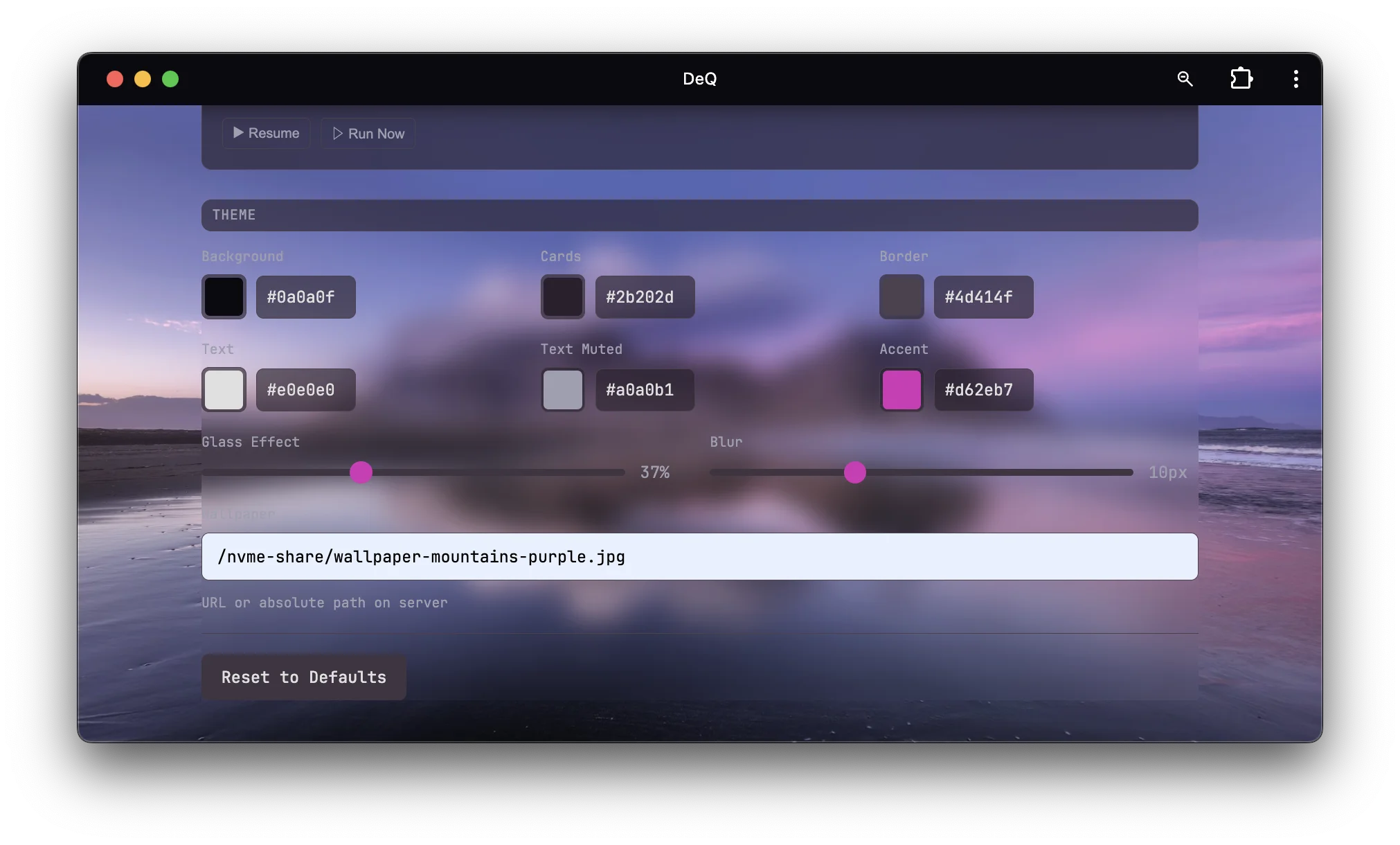
Use these, make your own, whatever works. No attribution required. Click to open full size.

Logo & Assets
Contents:
deq-logo.svg- Vector logo (scalable)deq-logo.png- Logo with dark backgroundscreenshots/- All screenshots in high resolution
Free to use. No attribution needed. Make your own screenshots if you prefer - all good.
Links
| Website | deq.rocks |
|---|---|
| GitHub | deqrocks/deq |
| Android Free | Google Play · GitHub |
| Android Pro | Google Play (€6.99) |
| Background Story | Medium |