Concept
Ambitions
Less, but better. Lateral thinking over complexity.
Wrap what's there. Omit abstractions.
DeQ is an ultra-lightweight network control layer that exposes the raw power of SSH on mobile devices without unnecessary abstraction. Bloated libraries are good for developers, not users.
Architecture
At the core of DeQ is a single Python file: server.py. It lives on your server and acts as the entire control layer.
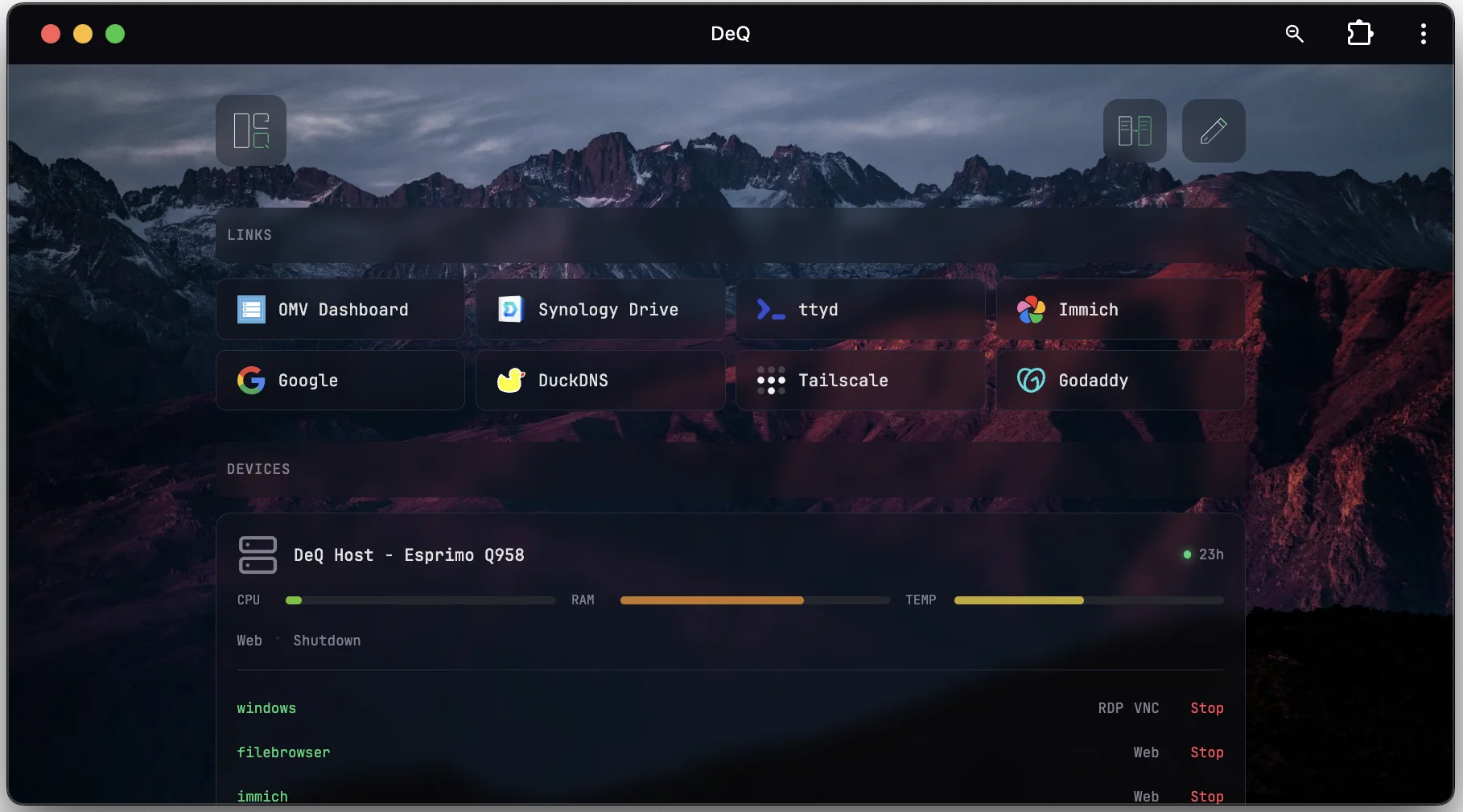
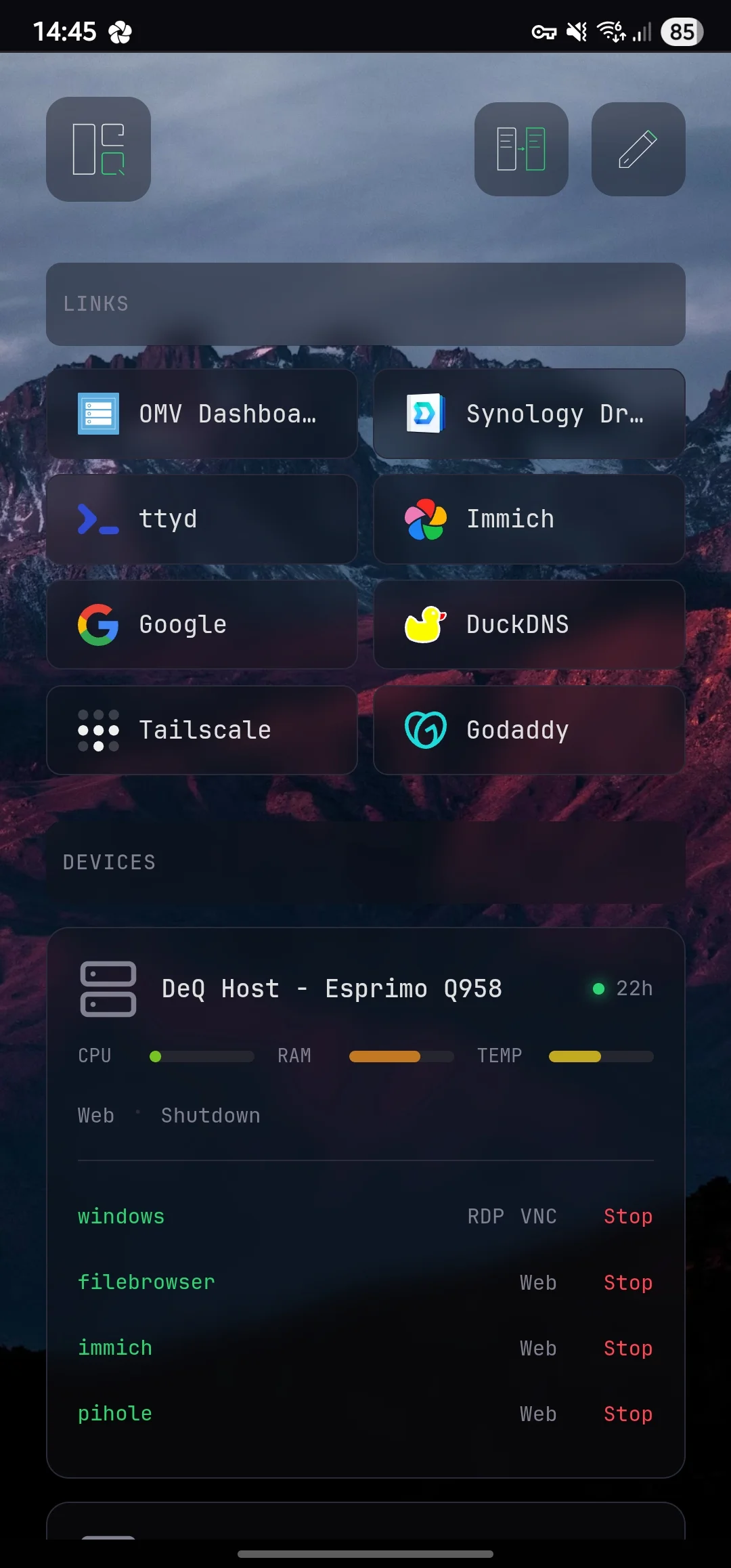
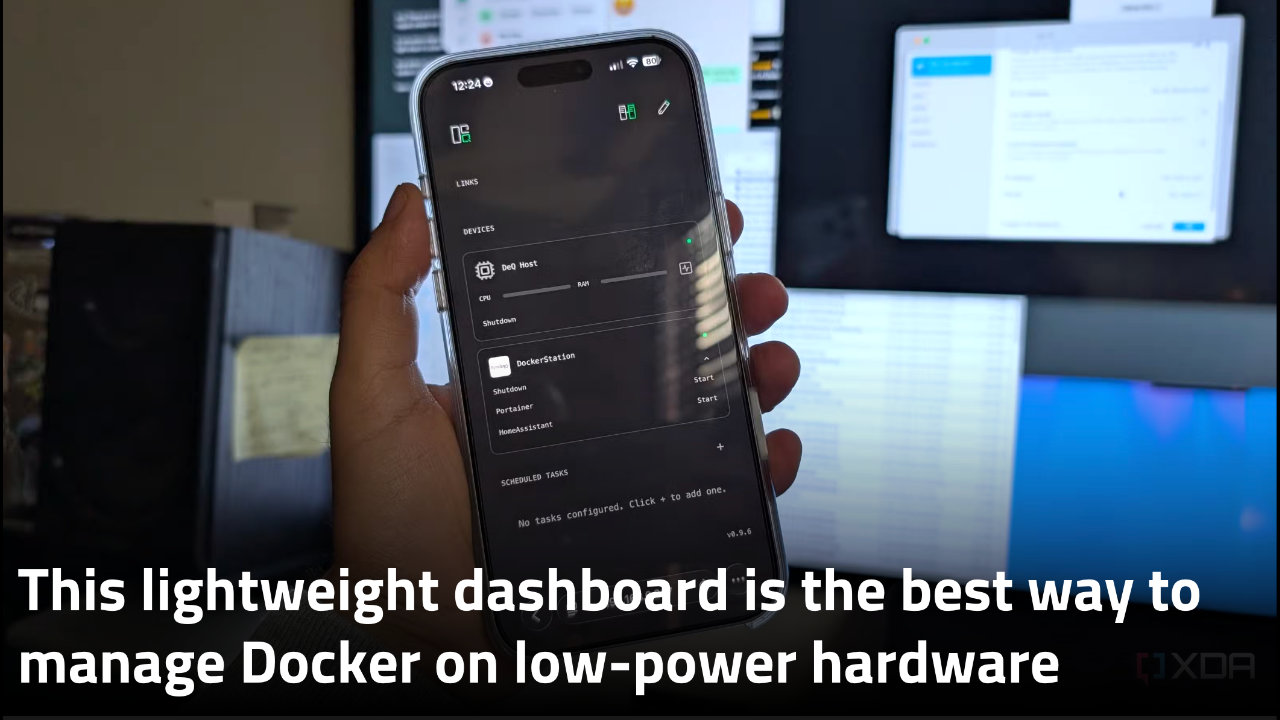
What makes it powerful yet lightweight is its restraint. DeQ is essentially SSH commands wrapped in a thin, vanilla Python shell. There are no dependencies beyond Linux and Python. The same file serves a dashboard-like web interface. It is mobile-first, responsive, and accessible from any browser.
We deliberately restrict server.py to a maximum size of 500 KB. It currently sits at around 350 KB. A typical fresh installation uses roughly 20 MB of RAM and virtually no CPU.
Connectivity
The native Android app, Android Auto, and Wear OS sync with server.py. The server, in turn, connects to your host and other network devices via SSH.
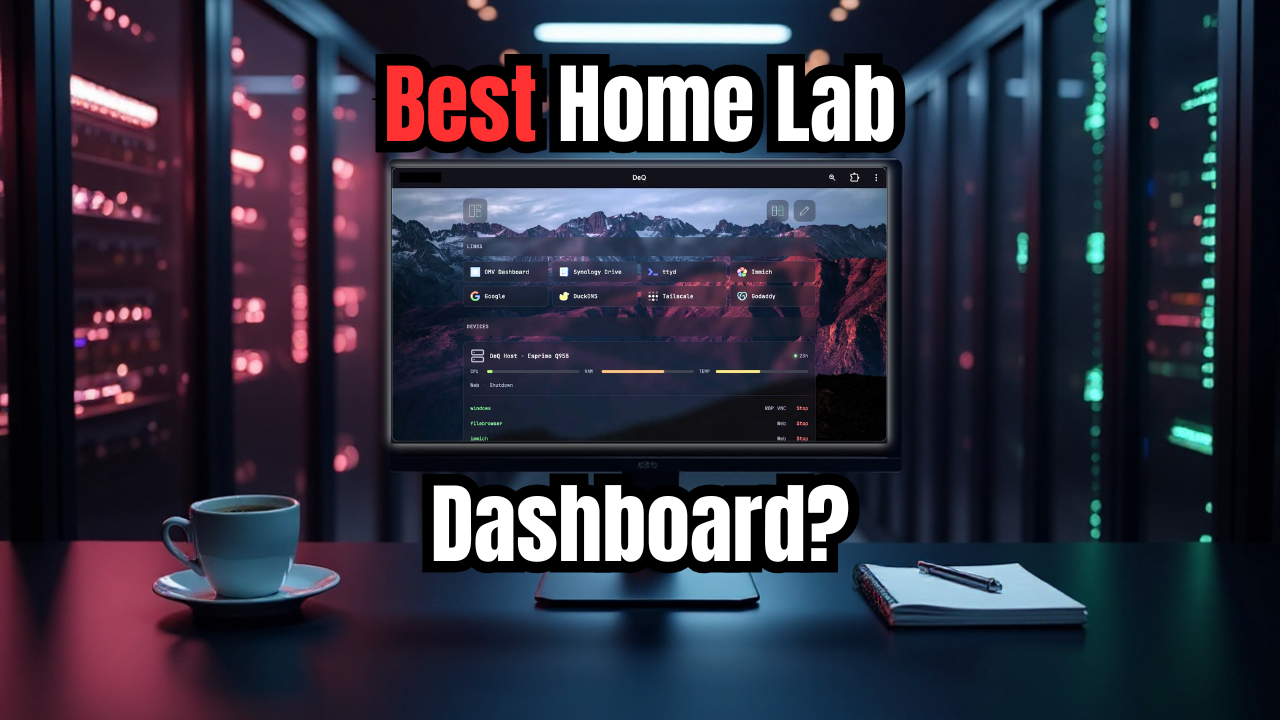
DeQ is not a dashboard. DeQ is a control layer disguised as a dashboard.
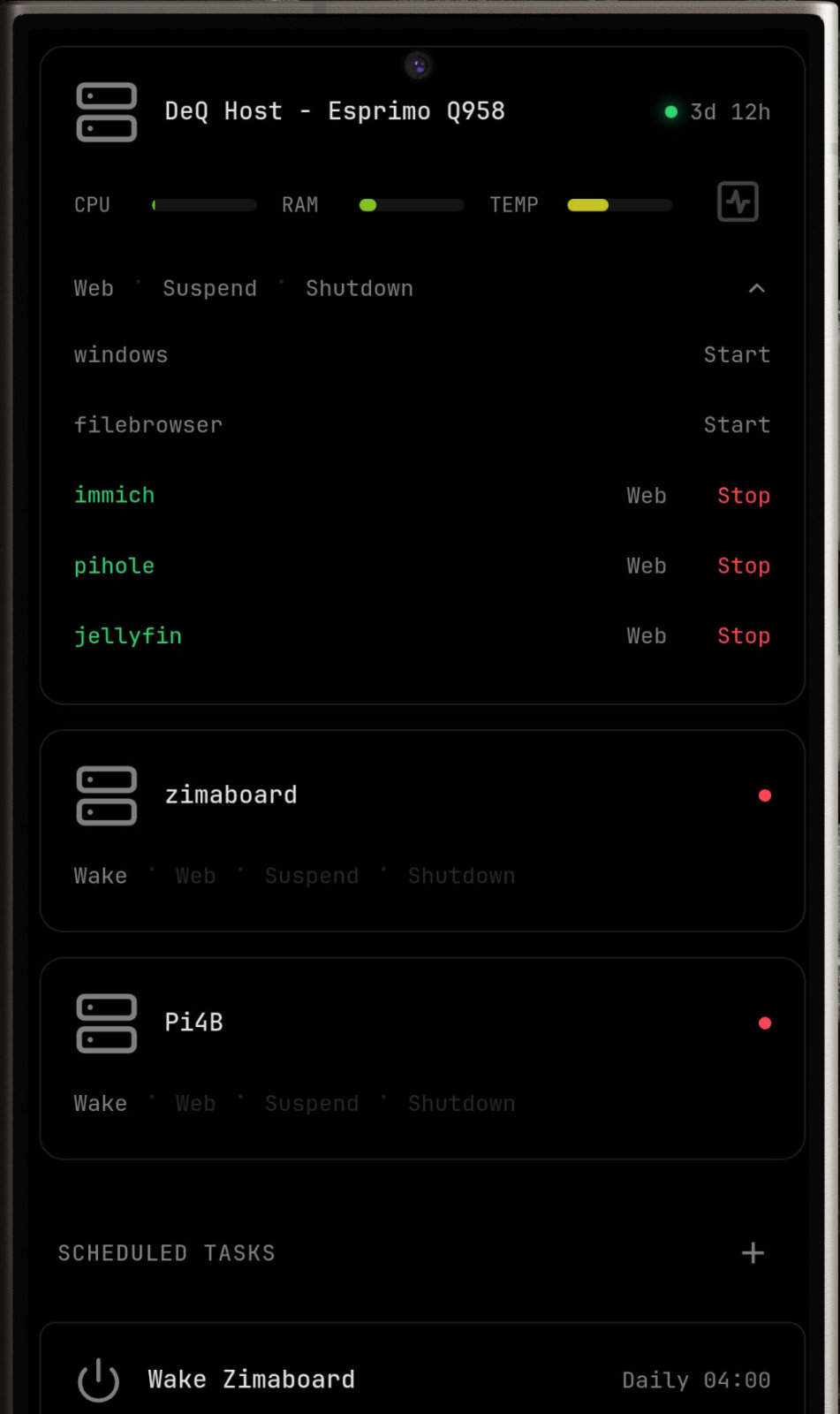
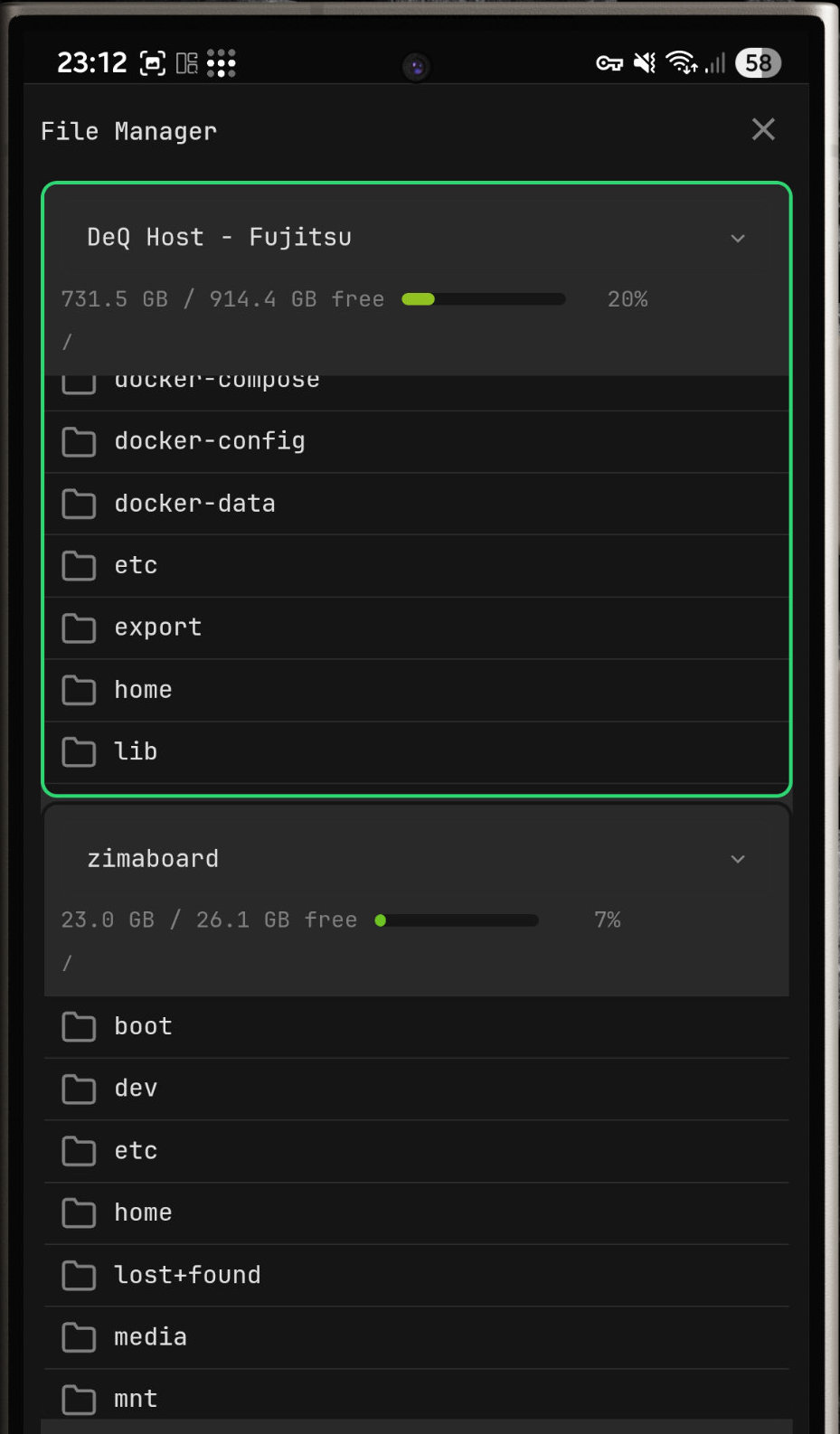
It is a well-connected control layer with access to core homelab functions such as Wake-on-LAN, task scheduling, and file management as well as sensors and context from your mobile devices.
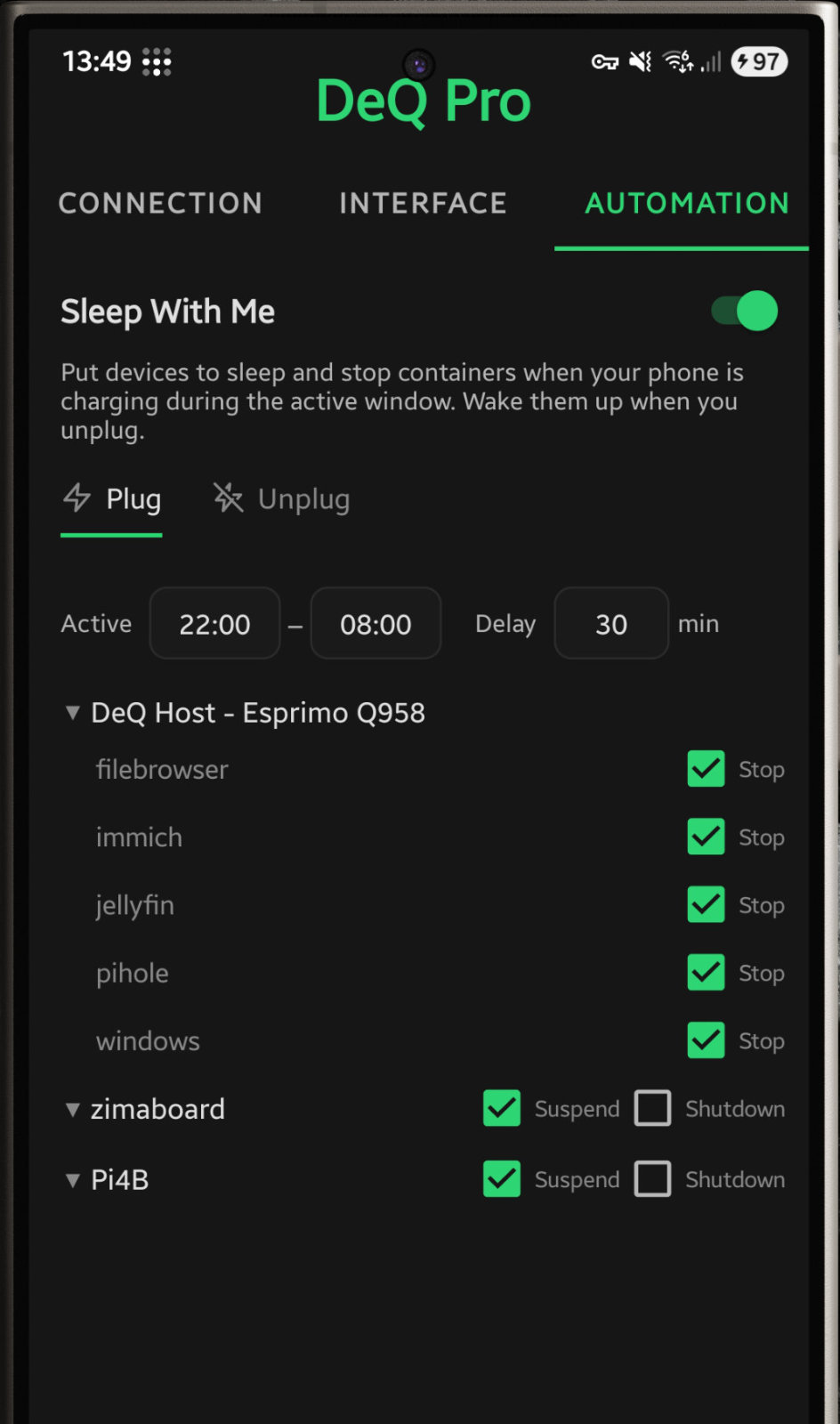
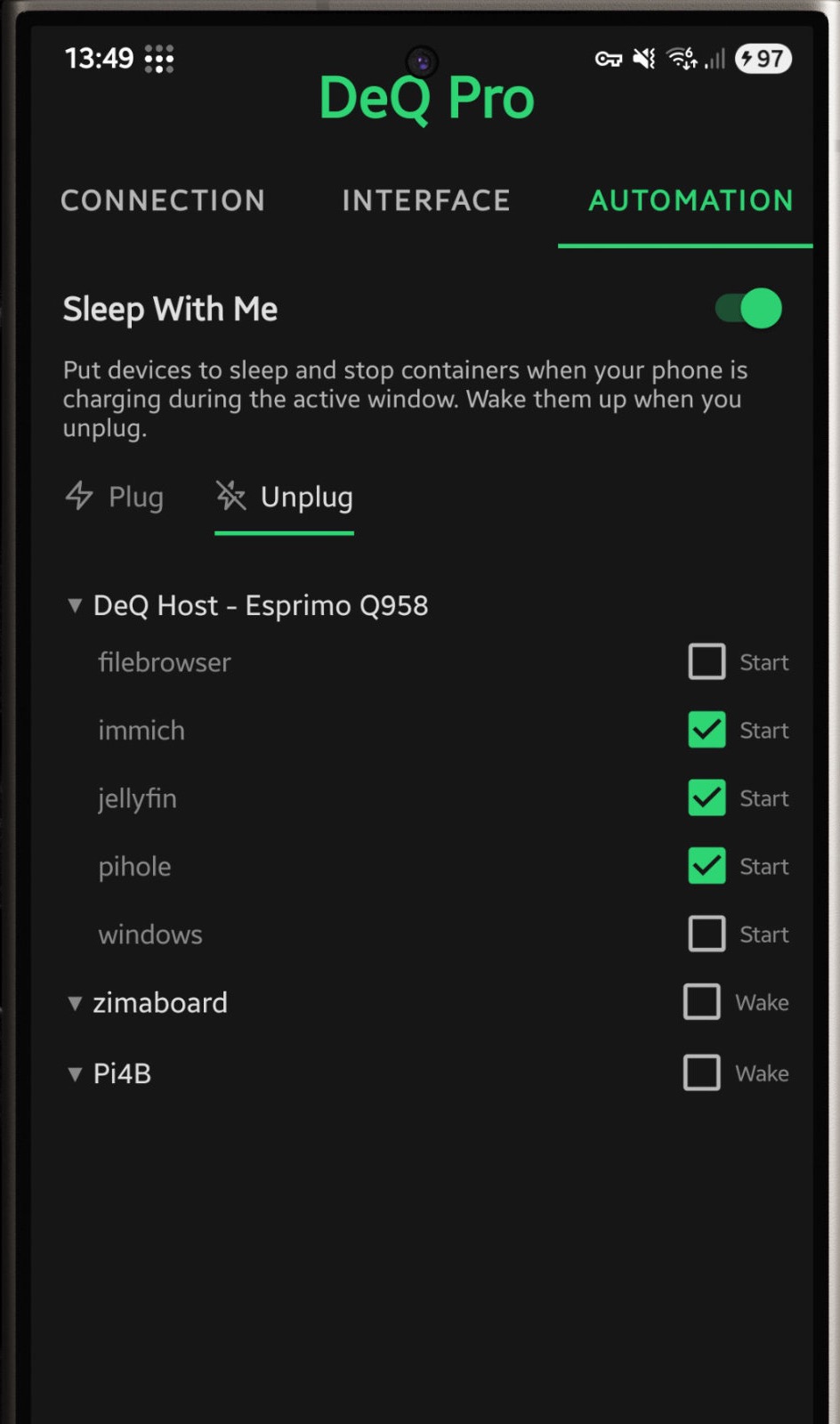
The Android app can automatically put selected containers or servers to sleep when you plug in your phone at night and wake them again when you unplug it in the morning.
Nodes are DeQ apps that act as Wake-on-LAN relays for each other. You can even shut the DeQ server down and still wake it while you're out.
Extensibility
The core remains lean. How you extend it is up to you.
HTTP API connects Home Assistant, Tasker, or your custom scripts. Extension API lets you write Python that adds custom sections to the web interface. Drop shell scripts into /opt/deq/scripts/ for quick automation.
DeQ provides the infrastructure. You build what you need.
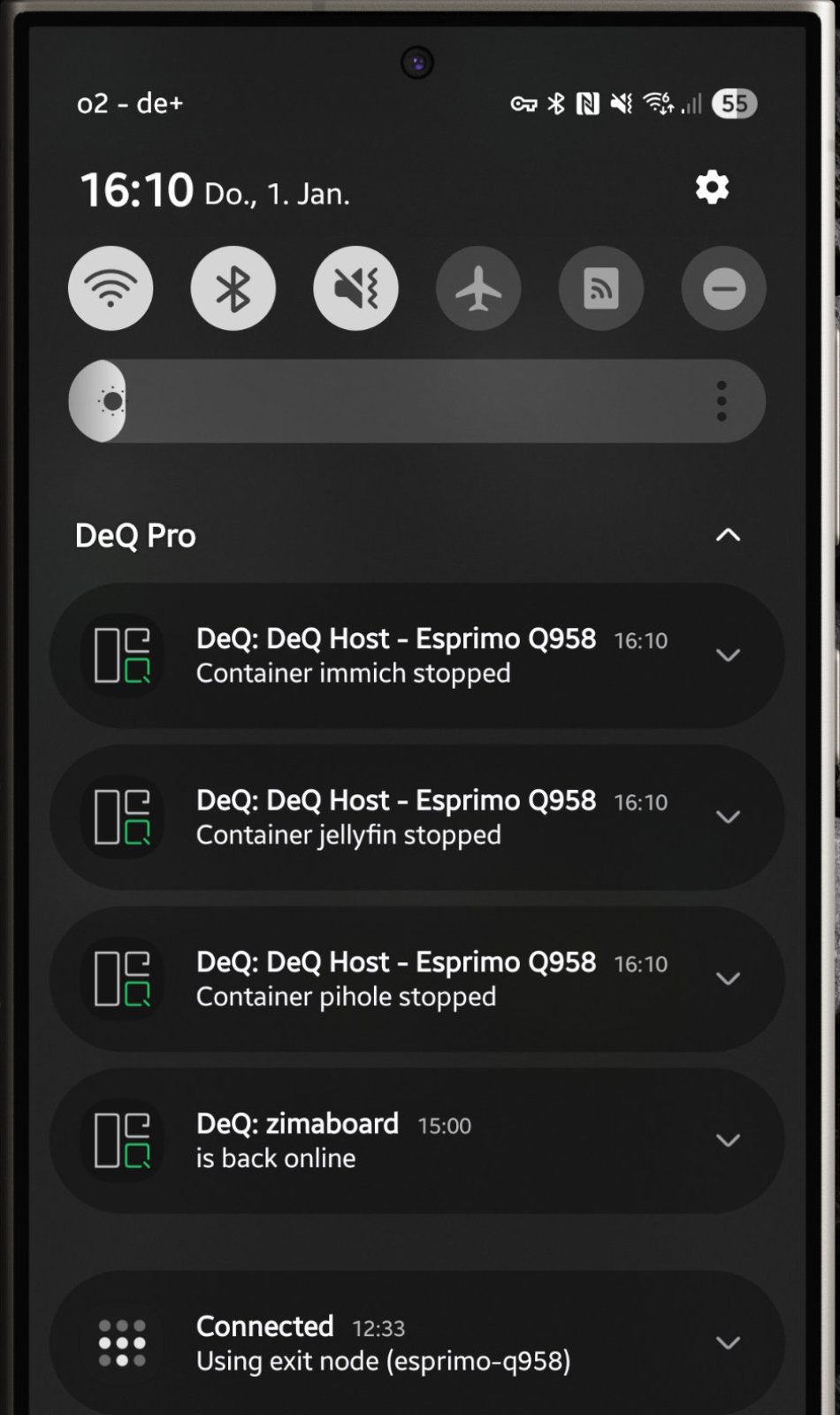
Push notifications when devices go offline or containers stop.
Free Android App
Full-featured companion app. Background monitoring with push notifications when devices go offline, containers stop, backups fail, or configured thresholds are exceeded (CPU, temp, disk). Full web interface in native WebView, file manager, scheduled tasks.
- Push notifications with configurable thresholds
- Full interface, no restrictions
- No ads, no nags, no paywall
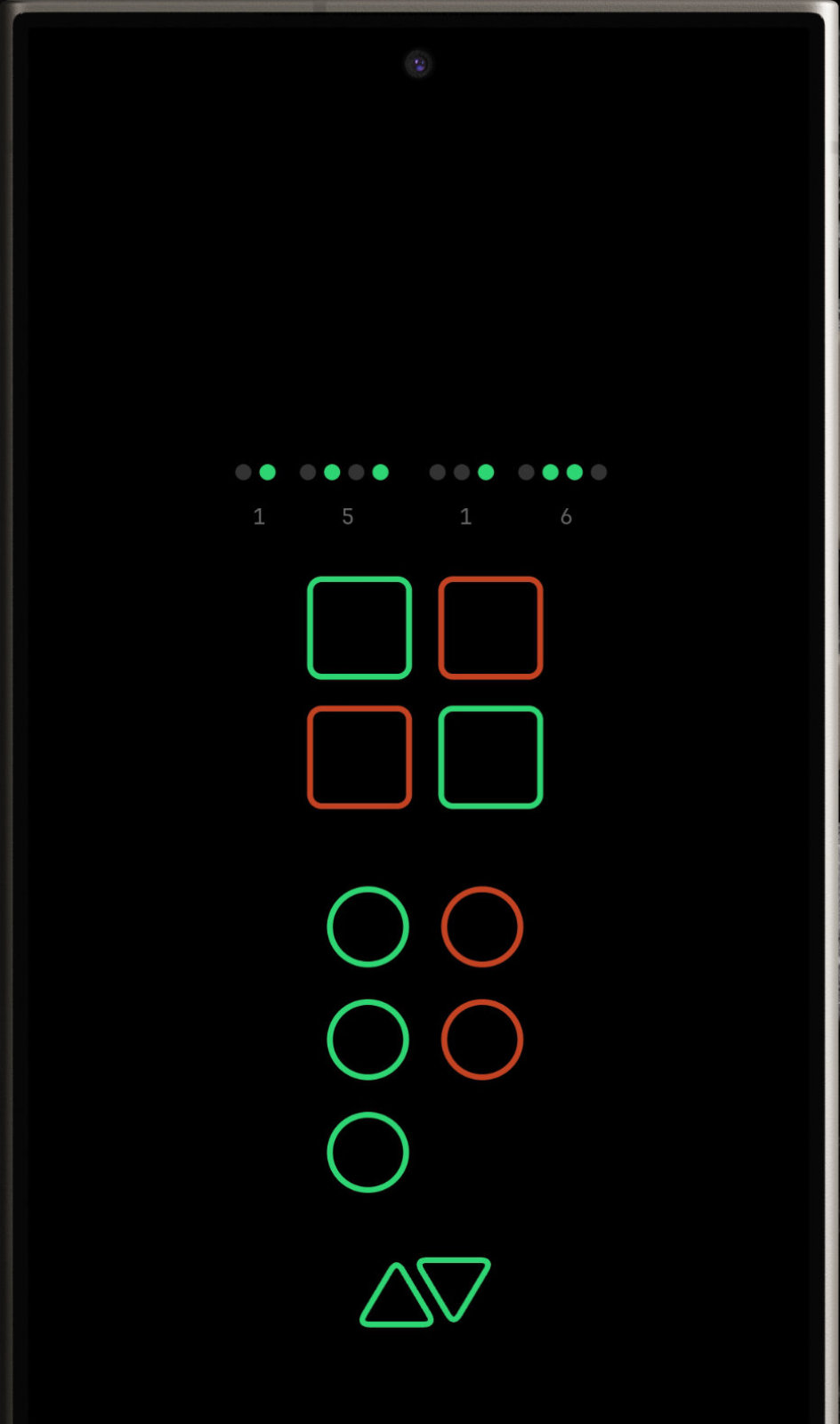
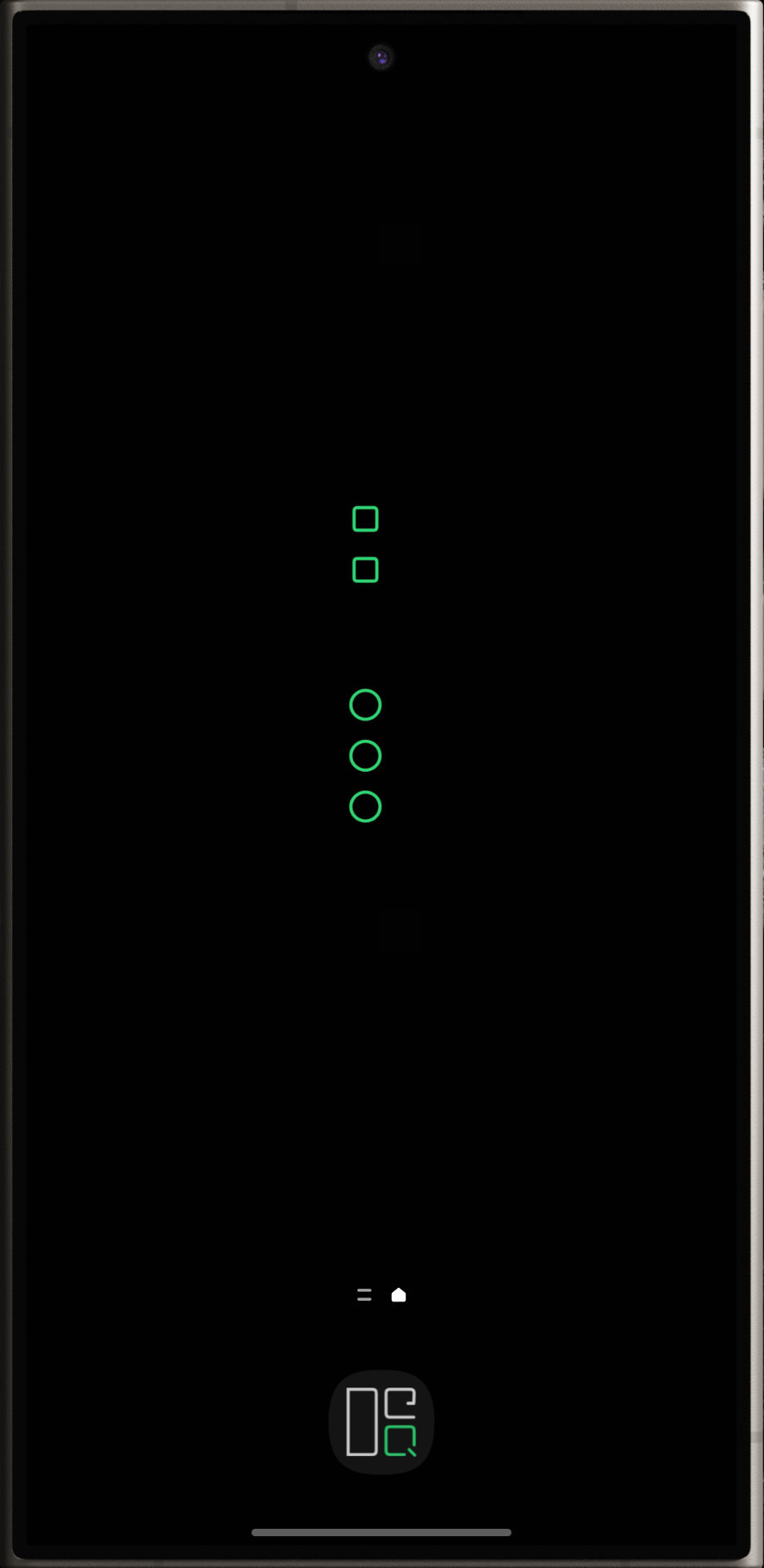
Ambient Mode with BCD clock
Pro Android App €6.99
Everything in Free, plus powerful automation and visualization features. Your purchase keeps this project alive as a full-time effort.
- Widgets - 5 widget styles for home and lock screen
- Live Wallpaper - Animated status display as background
- Ambient Mode - Wall-mount display with BCD clock, OLED optimized
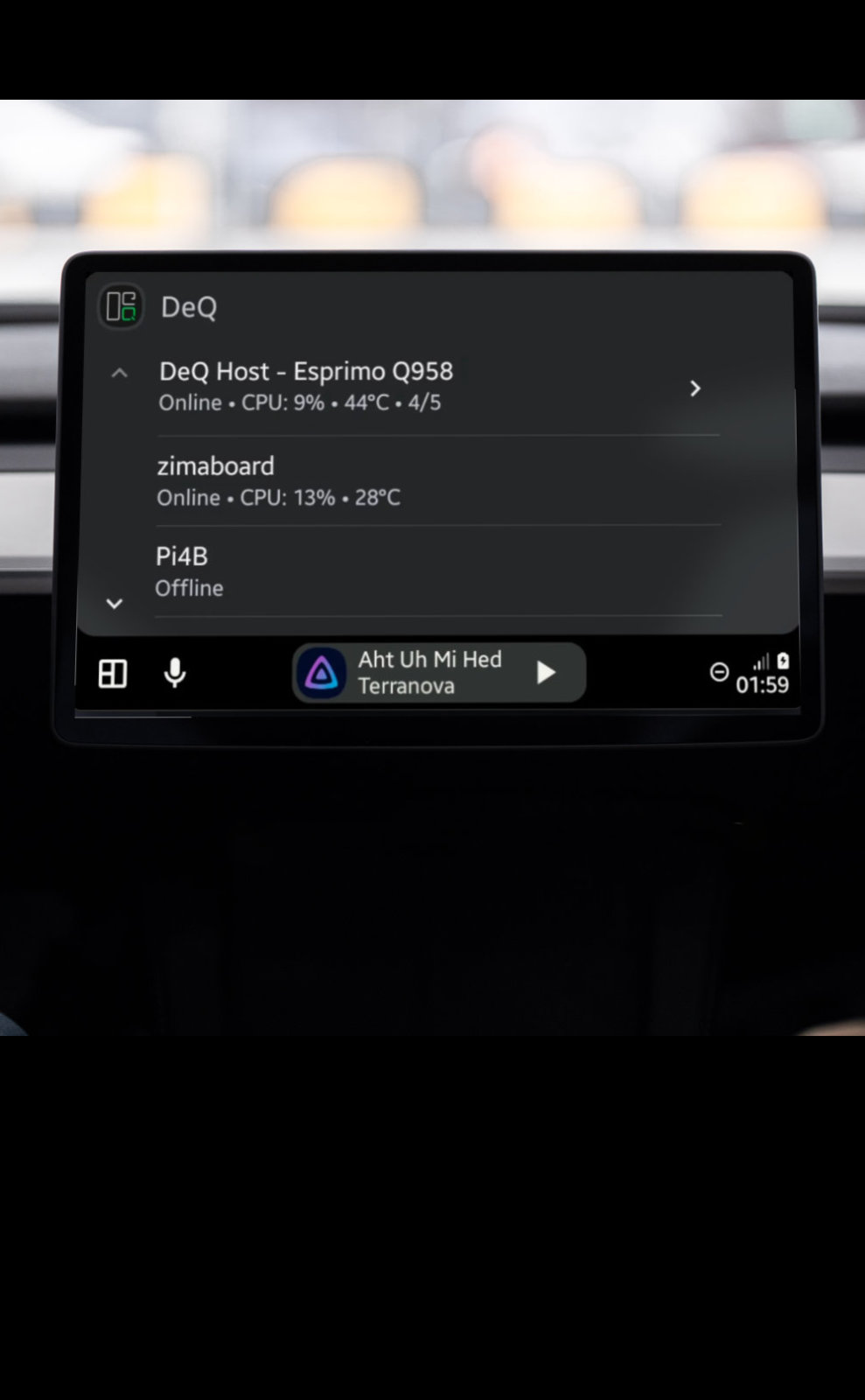
- Android Auto - Homelab status in your car
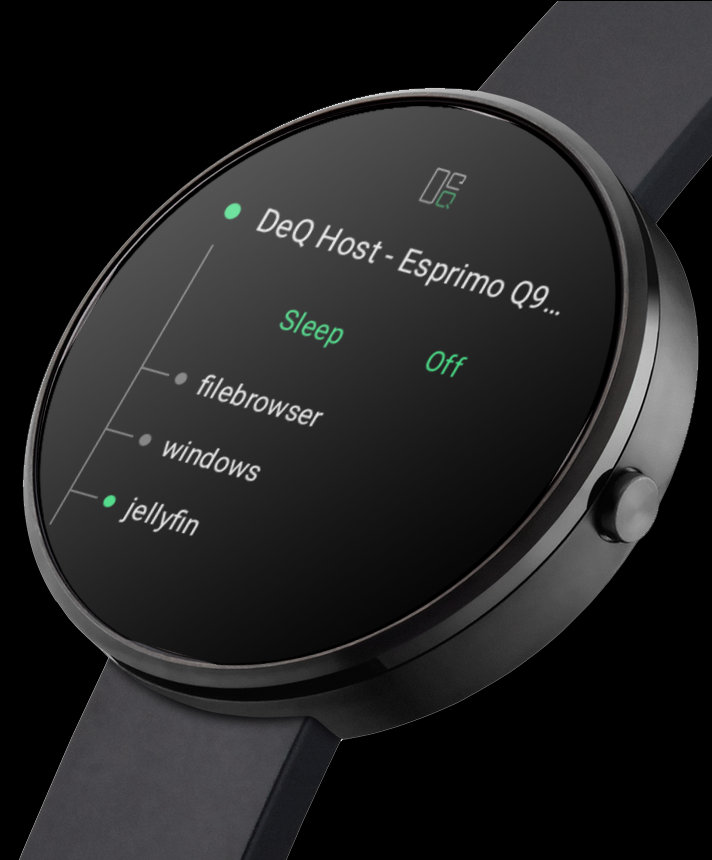
- Wear OS - Watch app, tile, and complications
- Sleep With Me - Homelab sleeps when you sleep
Installation
Three commands. That's all it takes.
Requires Python 3 and Linux with systemd.
Terminal
wget https://github.com/deqrocks/deq/releases/latest/download/deq.zip
unzip deq.zip -d deq && cd deq
sudo ./install.sh
The installer asks a few questions (IP, port) and gives you your access URL.